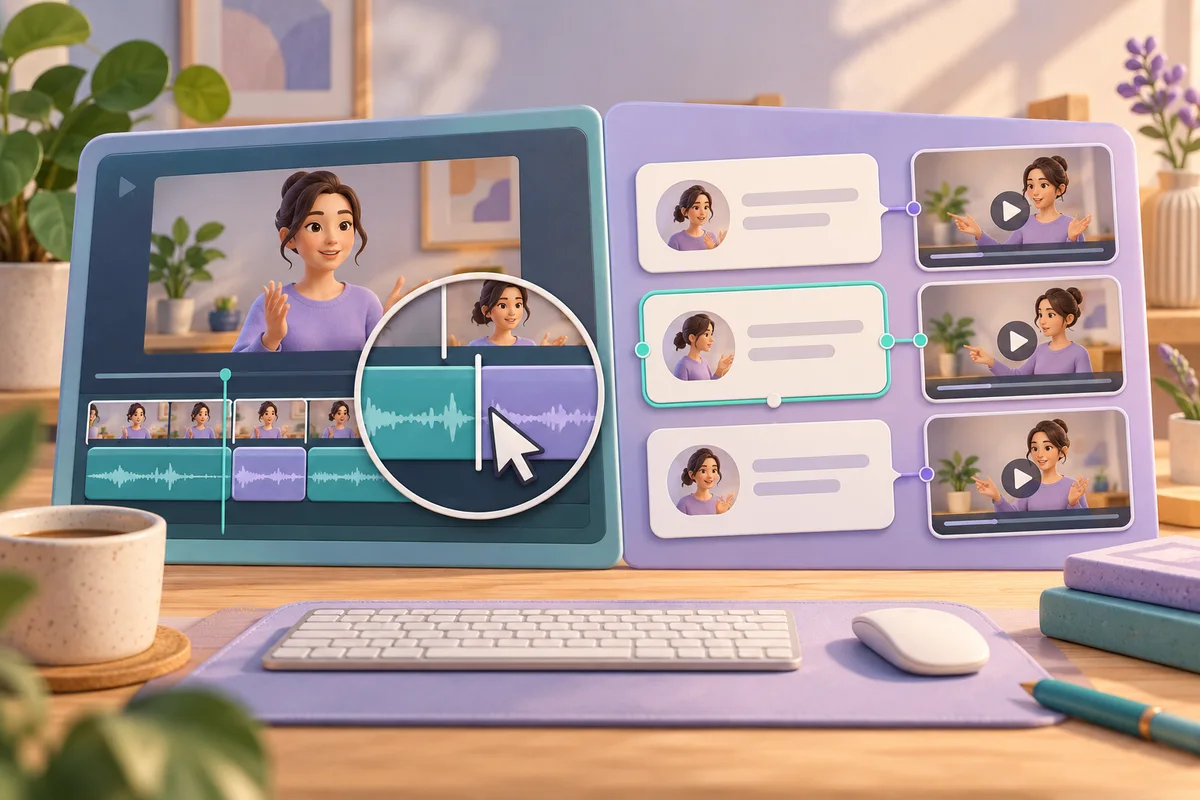
Choose Camtasia when the lesson depends on showing the right screen action at the right moment. Choose Descript when your main job is rearranging what somebody said. Both offer editing through text, but Camtasia uses an Audiate handoff, while Descript connects the script directly to the media in a composition.
Start with the kind of correction you make
A software demonstration can have a perfectly readable transcript and still be unusable. The narrator says “open the settings” while the picture already shows the next screen. A spoken interview has another problem: the best explanation might occur near the end and belong at the beginning. Those are different editing decisions.
Camtasia's video editor page documents screen recording and a timeline with multiple media layers. It also describes cursor adjustments, callouts and zoom animations. That makes it a sensible starting point when the viewer must follow a sequence of visible actions. Mark the instruction, the matching click and any explanation before shortening the narration.
Descript's editing guide describes cutting and pasting script text to move the associated media. This suits a story assembled from spoken passages. The recommendation is about the unit you manipulate: a demonstrated action or a sentence. It is not a claim that either product understands your lesson better.
Decide first whether you need a narrated demonstration, an edited interview or written notes. Each requires different finishing work.
Camtasia and Audiate have a specific handoff
TechSmith's included-features article sets a useful version boundary: Camtasia Editor 2025.0.3 or later. Audiate is installed separately, and a free TechSmith account is required. The documented included functions cover transcription, editing through text, audio effects and synchronization with Camtasia. Premium features are marked with a green crown. Included access therefore does not mean every Audiate feature is included.
The same support article limits automatic hesitation detection and removal to English. Do not buy a Danish or German tutorial workflow on the assumption that this particular shortcut works identically in those languages. Transcription and automatic removal of hesitations are separate capabilities.
The workflow guide explains the critical synchronization choice. Editing the Camtasia timeline applies changes across tracks during the linked media's duration. Editing the media only changes that linked item and can put other audio or video out of sync. Audiate can also generate an SRT caption file during synchronization.
For a demonstration, decide deliberately which tracks should move together. Keep a copy before deleting a long explanation. Then inspect the visual action immediately after the cut. A shorter narration is a poor improvement if the viewer can no longer connect a spoken instruction with its button.
Descript distinguishes changing words from cutting footage
Descript's guide says that deleting script text removes the connected media from the composition. Cutting and pasting moves it. These edits are non-destructive: removed material remains available for restoration. This is useful for trying a different narrative order without treating the first edit as final.
Transcript correction is a different action. A misheard product name should be corrected, not deleted as though the speaker had said nothing. Another command removes text from the transcript while retaining the audio and video; that text also disappears from captions and transcript exports. Choose the command according to the intended output.
The English-language pricing page viewed on 20 October 2026 lists a Free plan at $0, with 60 media minutes per month and 720p video export with a watermark. It lists transcription in 25 languages, including Danish, German and English. These are the site's listed conditions, not a promise of identical recognition quality across languages.
Descript's help page on media minutes says that uploading files and recording directly in Descript both use media minutes. AI credits are a separate allowance. For an occasional experiment, start with the free allocation and complete an export before buying a plan.
Compare the work after the first transcript
| Decision | Camtasia with Audiate | Descript |
|---|---|---|
| Main editing reference | Screen actions and timeline layers | Spoken passages in a script |
| Text editing setup | Separate Audiate installation and linked media | Script linked to composition media |
| A substantial deletion | Choose timeline or media-only synchronization | Script deletion cuts associated media |
| Caption consequence | SRT generation documented in synchronization | Removing transcript text also affects captions |
| Language caveat | Included hesitation removal is English-only | Listed transcription languages include Danish and German |
| First check | Do screen actions remain synchronized? | Did you correct a word or remove its media? |
Consider a hypothetical onboarding film. A trainer records a settings walkthrough and repeats one explanation. If the repeat contains another click, removing just its audio may leave a silent, confusing screen sequence. Camtasia with a deliberate synchronization choice is the stronger starting point for that assignment.
Now consider a hypothetical interview in which an answer makes more sense before the introduction. Descript's documented movement of media through script edits matches that job directly. Move the passage, then listen to the question and the new transition. A sentence that is accurate on its own can become misleading when its context changes.
These hypothetical examples illustrate editorial choices, not measured results. Keep the source recording and label the edited version for reviewers.
Run a ten-minute edit and export check
Allow installation and initial processing to finish before starting this check. Use a short sample containing a visible action, a repeated sentence and one deliberately unusual name. Write down the correct name so you can distinguish recognition correction from an editorial cut.
- Spend two minutes finding those three places in the transcript and picture. Note any mismatch before editing.
- Spend three minutes removing the repetition. In Camtasia, inspect the Audiate synchronization option. In Descript, play the boundary created by the script deletion.
- Use two minutes to correct the name without removing the spoken passage. Check the resulting caption or transcript text as well as the sound.
- Export a short sample during the remaining three minutes. Open the output independently and check the cut, screen timing and any watermark.
If an export takes longer, record that separately rather than pretending the task finished within the allotted time. Compare the amount of repair work left for your actual deliverable.
Text editing does not verify the truth of a statement. Caption generation does not guarantee readable timing. Review numbers and negations by listening, and watch every cut that changes an instruction. A support article describing a feature is not an accuracy benchmark.
Where Notibo fits after the recording
Choose Camtasia or Descript when the result must be an edited video. Notibo is for turning browser recordings or uploaded audio and video into a transcript and structured notes, including a summary and key points. It is not a video or subtitle editor, and its transcript has no timestamps or promised speaker labels.
A practical use is reviewing what a training session covered before deciding which sections deserve a polished video. Notibo accepts uploads up to 50 MB, and a browser recording can last up to two hours. Processing uses the cloud, with EU storage and US processors. Choose one main language; switching languages within a recording can cause errors.
Notes can inform an editing brief. Still check that the finished picture and spoken instruction agree.
Related comparisons
- OBS vs ScreenPal: recording a lesson or a demonstration?
- Trint vs Sonix: choosing a transcript review workflow
This is a documentation-based comparison by Notibo, checked on 20 October 2026, not a measured accuracy benchmark. The examples are suggested trials, not reported test results.