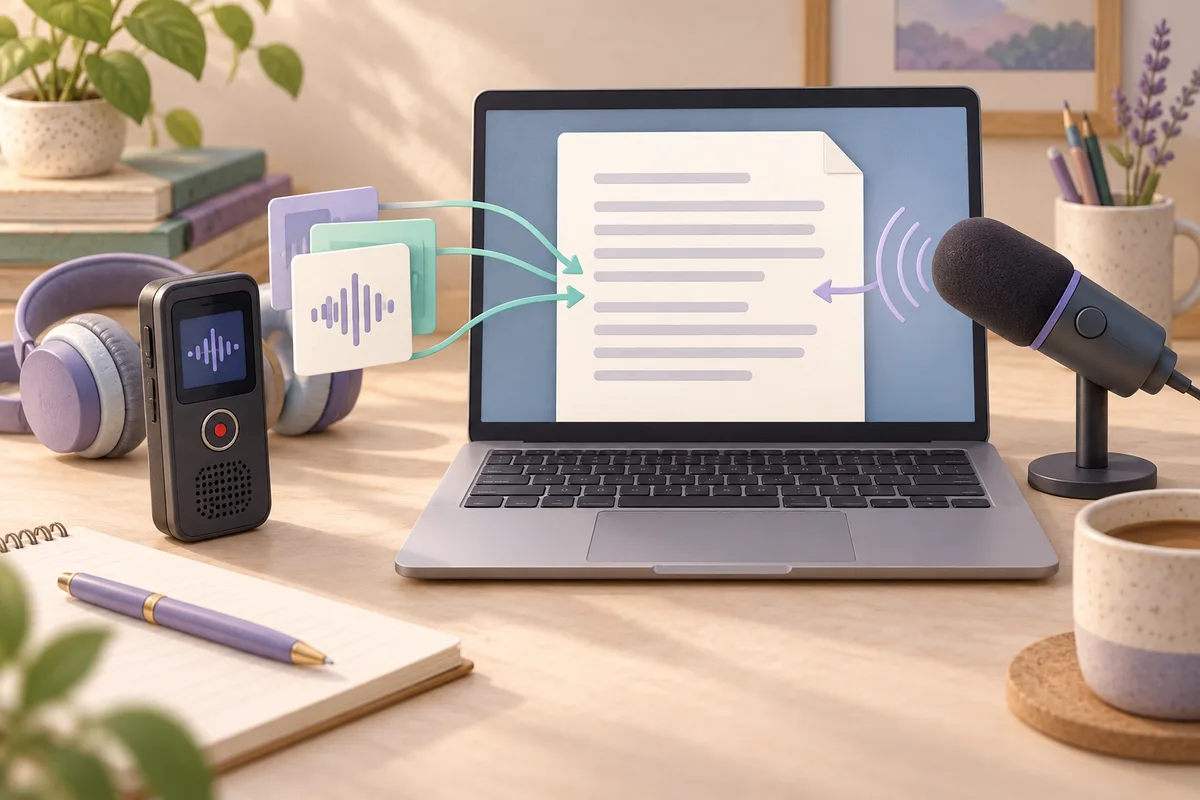
Use Apple Dictation to compose new text with your voice; use Aiko to transcribe a recording that already exists. Apple Dictation belongs at the text cursor, while Aiko belongs between your audio file and the document you will edit. Neither choice removes the need to check somebody else's words against the original recording.
Aiko starts with recorded material
Aiko's documentation describes on-device transcription and a 14-day trial through TestFlight. It also states that editing happens outside the app and that live transcription and speaker identification are not supported. These are useful boundaries: Aiko can produce your first transcript, but you still need an editor and a way to listen while correcting it.
The US App Store listing displays $24 and requires macOS 26 or later for the current Mac version. It lists about 100 transcription languages (the store names 98), including Danish, German and English. That is a US storefront price, not a promise of the same amount in Denmark or Germany. The developer's website describes the purchase as a one-time payment.
Check compatibility before moving an interview archive into a new workflow. A language appearing in a list means you can attempt transcription in that language. It does not establish how many names, accents or specialist terms will need correction in your particular recording. Use the trial on material similar to what you actually handle, rather than on a carefully spoken sentence that avoids your difficult vocabulary.
Treat the original audio and the editable transcript as separate working files. Give them matching names and keep an untouched copy of the recording. This makes a later correction traceable. If a colleague asks whether a sentence was actually said, you can return to the source instead of debating two versions of an edited document.
Apple Dictation belongs in a writing session
Apple's Mac guide for macOS 26 describes speech entry wherever you can type. Dictation stops after 30 seconds without speech. Its settings indicate whether your setup needs an internet connection; multiple configured languages can be switched beside the cursor. Apple also describes blue underlines for uncertain words.
This suits drafting an email, describing an idea or turning your own outline into prose. You are the author and can decide immediately that a sentence should say something different. In that situation, changing the wording is the work, not a defect in the record.
An interview is different. Repeating a participant's answer in your own voice produces another performance, with opportunities to omit a qualification or change emphasis. If you need a quotation, work from the saved recording. Use dictation for the commentary you write around that quotation, clearly separated from the participant's words.
Do not plan a confidential session on the assumption that every Mac dictation configuration behaves identically. Read the processing information shown in your own settings first. That practical check is more useful than equating a familiar operating-system feature with a particular privacy arrangement.
Choose by the work left after recognition
The following table combines the documented boundaries above with a recommendation about the work they leave you to do. It is not a ranking of recognition accuracy.
| Decision | Aiko | Apple Dictation |
|---|---|---|
| Starting material | A saved recording to transcribe | New speech entered at a text cursor |
| Main correction task | Compare another person's words with the recording | Revise what you are currently composing |
| Editing destination | Plan a separate editor | Work in the document receiving the text |
| Conversation attribution | Do not expect automatic speaker identification | Do not treat your retelling as the speaker's original words |
| Purchase check | Current Mac requirements and your local storefront | Dictation settings on the Mac you will use |
The decisive question is often who owns the wording. A student writing a reflection can freely reorganize their explanation. A researcher quoting an interview needs to preserve the participant's meaning. Buying transcription software does not make those two tasks interchangeable.
Also decide what a finished result means. A readable draft may be enough for a private reminder. A quotation in a report needs verification of the surrounding sentence, especially a negation or a condition. Set that standard before comparing tools, otherwise you may reward the prettier draft and overlook the more consequential error.
A hypothetical interview and follow-up email
Imagine you have a permitted recording of a project interview and need to send a follow-up message. Start with Aiko for the recorded interview. After transcription, move the text into your editor and check the passages that will become quotations. Label unresolved words rather than silently filling them with a plausible answer.
Then use Apple Dictation to draft your own message: what you understood, what remains unclear and what you want to ask next. Keep that message separate from the transcript. A useful division of labour is recorded evidence first, your interpretation second.
If the task is only an email dictated from scratch, start with Apple Dictation. There is no reason to create and transcribe an intermediate recording just to obtain a paragraph you are still composing. Conversely, if the task is documenting a saved interview, the file-based route fits the evidence you already have.
This is a proposed workflow, not a report of a measured test. It says nothing about which product would recognise an unfamiliar surname more accurately.
A ten-minute check before committing
- Spend two minutes choosing a short recording you may process. Write down one name, one number and a sentence whose meaning depends on a small word.
- Spend two minutes checking Aiko's compatibility and trial instructions, then start the file workflow. Keep any processing wait separate from your correction time; do not assume it will finish within this exercise.
- Use two minutes to dictate a new paragraph into your normal writing app. Pause, resume and correct a word so you understand the writing interaction.
- When a transcript is available, use two minutes to compare the chosen passages with the recording. Mark what you cannot establish by listening.
- Use the remaining two minutes to decide which workflow matches the actual assignment and where the original and corrected text will be stored.
Record correction effort in your own notes, without turning one sample into a general accuracy claim. Repeat with your normal microphone and speaking conditions before relying on the result for important quotations.
Where Notibo fits after this choice
Choose Aiko when on-device file transcription is the requirement. Choose Apple Dictation for composing your own text. Notibo fits a different destination: a transcript accompanied by structured notes, including a summary and key points, from a browser recording or uploaded audio or video.
Notibo processes in the cloud, with EU storage and US processors. Uploads are limited to 50 MB, and a recording can last up to two hours. It does not promise speaker labels and its transcript has no timestamps. Keep those limits in view when deciding whether you need study notes or a source-review workflow built around exact quotation locations.
For a permitted lecture you want to understand and revise, notes may be useful. For a requirement that audio remain on your device, they do not outweigh the processing-location requirement. Select the route that fits the material and the final document, then verify the wording that matters.
Related comparisons
- Apple Notes vs QuickTime: where should your recording live?
- Windows voice typing vs Word Transcribe: which do you need?
This is a documentation-based comparison by Notibo, checked on 20 October 2026, not a measured accuracy benchmark. The examples are suggested trials, not reported test results.