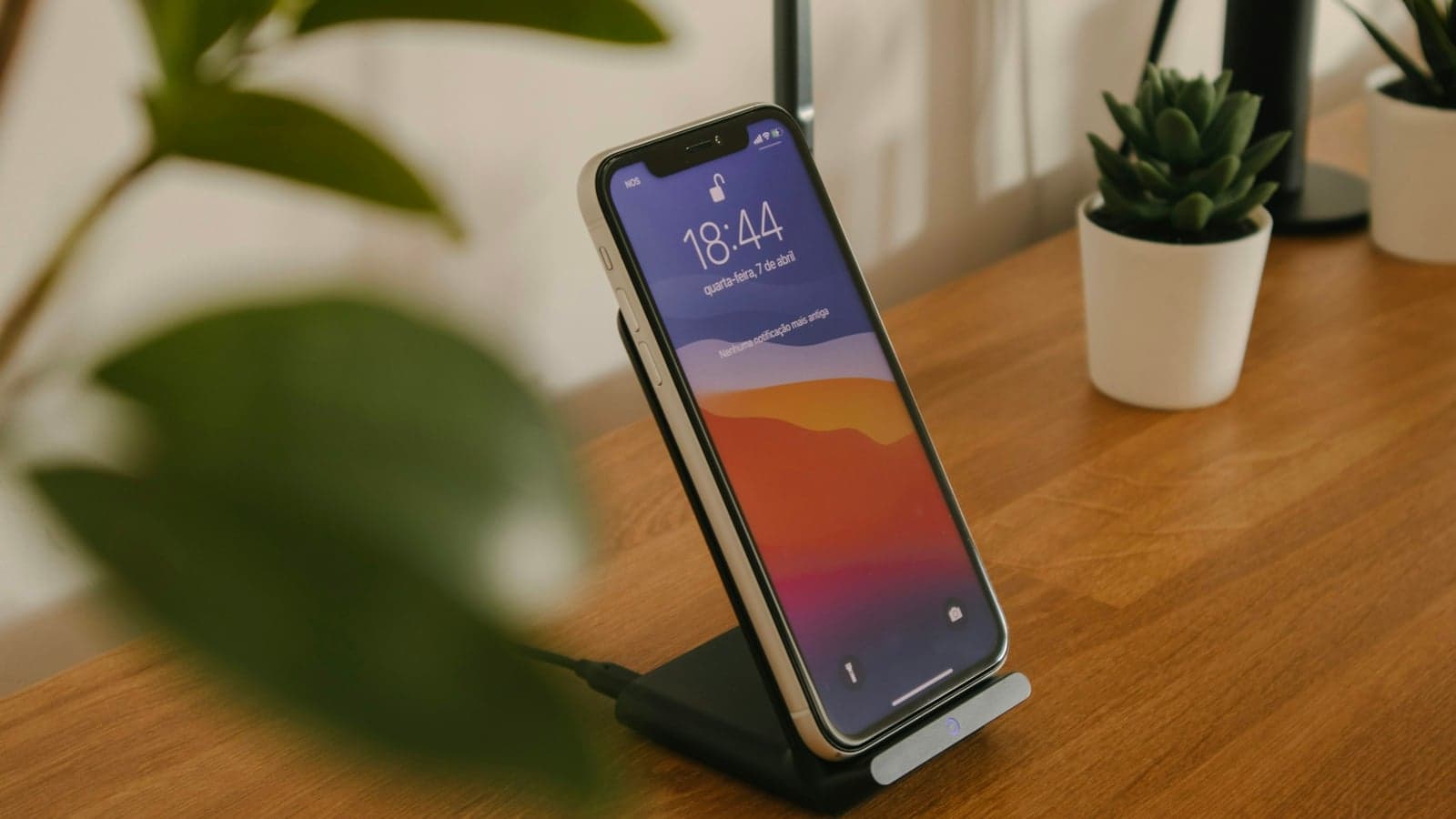
Short answer first: if the memo is on an iPhone 12 or later and in one of Apple's 10 transcription languages, open it in Voice Memos and tap View Transcript; it costs nothing. On a laptop with Microsoft 365, Word's Transcribe takes an M4A or MP3 file and allows 300 minutes a month. For anything longer, in another language, or when you want notes rather than a wall of text, upload the file to a transcription tool, and check its size first: an hour at 128 kbps is 57.6 MB, over many upload limits.
The limits, formats, languages and prices here were taken from Apple's, Google's and Microsoft's support pages and from the vendors' own pricing and help pages on 25 September 2026. Where a page did not state a figure, the table says not published rather than filling the gap.
What decides how you should transcribe a voice memo?
A voice memo is just an audio file, but where it lives and how it was made change the easiest route. A lecture recorded on an iPhone, a seminar captured on an Android phone and a Zoom call saved to a laptop each have a different shortest path to text. Four questions settle it.
Is the recording already a file?
A memo inside Voice Memos or Google's Recorder can be transcribed where it is. Everything else, including a Teams or Zoom recording saved to your computer, needs a tool that accepts an upload. Moving a memo off the phone is usually one step: share it to Files, AirDrop, Google Drive or email, and it arrives as an M4A or similar file.
How long and how big is it?
Upload tools cap either the file size or the minutes, sometimes both. A 20-minute memo fits anywhere. A two-hour lecture can exceed a size limit or a per-recording cap on a free plan. Check the file size on the phone or computer before you pick a tool; the section on file size below shows the arithmetic.
Which language is it in?
Apple and Google list their languages, and the lists are shorter than you might expect. If the lecture is in Danish, Arabic or Polish, check the list first. Microsoft lists more than 80 locales, and MacWhisper lists 100. The language you pick at upload can also matter, since some tools transcribe only the language you selected.
Do you want text or notes?
A transcript of an hour-long lecture runs to many thousands of words, and few people reread it. Some tools stop at text; others add a summary or structured notes. Decide which you need before you compare prices, because the cheapest route to text is not always the cheapest route to something you will study.
How do the options compare?
One row per option, from each vendor's own pages. The Notibo row uses the same kind of facts as the others.
| Option | Takes a file | Formats | Size or length cap | Languages | Free tier | Price | Output |
|---|---|---|---|---|---|---|---|
| Apple Voice Memos | Its own recordings | Voice Memos recordings | Not published | 10, on iPhone 12 or later | Built in | Free with the phone | Transcript to view and copy |
| Google Recorder | Its own recordings | Recorder recordings | Summaries for 5 minutes to 1 hour of speech | 8 or 15 live by phone model; 42 when transcribing again | Built in on Pixel | Free with the phone | Transcript; summary on Pixel 8 and later |
| Word Transcribe | Yes | WAV, MP4, M4A, MP3 | 300 minutes of uploads a month | 80+ locales | None; needs Microsoft 365 | Part of Microsoft 365 | Transcript with speaker labels |
| Otter | Yes | MP3, AAC, WAV, M4A, WMA, OGG and nine video formats | 5 GB a file; 30 minutes a conversation on Basic, 90 on Pro | 6 | 3 lifetime imports, 300 minutes a month | Pro US$16.99 a month or US$8.33 a month billed yearly | Transcript, summary, action items |
| MacWhisper | Yes | MP3, WAV, M4A, OGG, Opus, MOV, MP4 | Not published | 100 | Free version | Pro €64 once on its site, €65 on Gumroad | Transcript, exports to text, Word and subtitles |
| Notibo | Yes | MP3, M4A, AAC, WAV, OGG, Opus, FLAC, WebM, MP4, MOV | 50 MB a file, up to 2 hours | 89 | 14-day Pro trial, no card; then 30 minutes of audio a month | €9.99 a month or €88.99 a year | Transcript and structured notes; flashcards on Pro |
The built-in phone options are free and good enough for short memos in a major language. The upload tools differ mostly in how much they let you upload for free and in what they give back.
Can your phone transcribe the memo itself?
Often, yes, and it is the first thing to try. Both Apple and Google now transcribe their own recorder's files on the phone, at no cost, but only on recent devices and in a limited set of languages.
- Voice Memos covers ten languages on iPhone 12 or later. Apple's Voice Memos transcription page lists English in all variants, Spanish, Portuguese, Italian, French, German, Japanese, Korean and Simplified and Traditional Chinese, and says the feature is not available in every country or region.
- Older memos are included. The same page says a recording made in an earlier version of Voice Memos, iOS 17 or earlier, is transcribed automatically when you open it, if it contains speech.
- Google's Recorder varies by Pixel. Google's Recorder help page lists Pixel 3 to Pixel 5a and Pixel 6 or later, with 8 live transcription languages on the older phones and 15 on the newer, and 42 language options, Danish and Swedish among them, when you transcribe a recording again, which Google says may process the audio on its servers.
Neither page says you can import an outside file into the app and transcribe it, so treat both as tools for recordings made in them. For a memo recorded on a Samsung or another Android phone, or for a Zoom file, go to an upload tool instead.
Google adds summaries on Pixel 8 and later, in seven languages, for recordings of 5 minutes up to 1 hour of speech, and says they run in a secure environment in the cloud. On an iPhone 15 Pro or an iPhone 16 or later with Apple Intelligence, Writing Tools can summarise a transcript. Both give you a paragraph, not study notes.
Is Word's Transcribe the easiest route on a laptop?
If your university gives you Microsoft 365, it may be the route you already pay for. Word's Transcribe accepts an upload and returns a transcript you can edit in the same document.
- 300 minutes of uploads a month. Microsoft's Transcribe support page sets that allowance for users with a Microsoft 365 subscription.
- Four file types. The same page lists WAV, MP4, M4A and MP3, which covers an iPhone memo and most Zoom audio files.
- More than 80 locales, with speakers labelled. Microsoft says the service separates speakers and labels them Speaker 1, Speaker 2 and so on.
It runs in Word for the web in Edge or Chrome, and in Word for Windows. Three hundred minutes is about five lectures a month, which is plenty for occasional memos and short for a student who records every class. The output is a transcript; turning it into notes is still your job.
What does Otter allow with an uploaded file?
Otter is built for meetings, and its free plan is designed around live recording rather than imports. For an existing file, the numbers that matter are the import count and the cap per conversation.
- Three imports, ever, on Basic. The Otter pricing page, read twice on 25 September, lists 3 lifetime audio or video file imports on Basic, 300 minutes a month and 30 minutes per conversation.
- Pro lifts the caps. Pro gives 10 imports a month and 90 minutes per conversation, at 16.99 US dollars a month or 8.33 a month billed yearly.
- Large files are fine. Otter's import help article accepts MP3, AAC, WAV, M4A, WMA and OGG, plus MP4, MOV, AVI, WMV, MPEG, MPG, MKV, M4P and 3GP, up to 5 GB a file, counted against the plan's minutes, and names Apple Voice Memos among the M4A files it takes.
Otter transcribes six languages: English, Spanish, French, German, Japanese and Chinese. Its privacy policy names Amazon Web Services in the United States and says Otter trains its own AI on de-identified audio and on transcriptions, which may contain personal information. For a memo with other people's voices, that is worth knowing before you upload. The Otter alternatives comparison goes further into the plans.
Should you transcribe on your own computer with Whisper?
If privacy matters most, or you have many hours of audio, a local app that runs the open Whisper speech model on your machine is a strong option. MacWhisper is the best-known one for Mac.
- Local by design. MacWhisper's site says it transcribes with local models on your Mac, so sensitive content can be processed without leaving the computer.
- Many languages and formats. The site lists 100 languages and MP3, WAV, M4A, OGG, Opus, MOV and MP4 files, with exports to text, Word, PDF and subtitle formats.
- Paid once. A free version exists. The Pro licence is listed at 64 euro with lifetime updates on macwhisper.com, and at 65 euro on its Gumroad checkout, where students can email for 25 per cent off.
The trade-off is your hardware and your time. A long recording on an older Mac takes a while, and the result is a transcript without study notes unless you connect an AI service yourself. On Windows, there is no MacWhisper; similar Whisper apps exist, but none was checked for this article.
How big is an hour of voice memo, and how do you shrink it?
File size is the limit people hit most, and it is simple arithmetic. Size equals bitrate times duration. Bitrate is given in kilobits per second, so divide by eight to get kilobytes.
| Bitrate | One hour | Two hours | Fits under 50 MB |
|---|---|---|---|
| 32 kbps | 14.4 MB | 28.8 MB | Up to about 3 hours 28 minutes |
| 64 kbps | 28.8 MB | 57.6 MB | Up to about 1 hour 44 minutes |
| 128 kbps | 57.6 MB | 115.2 MB | Up to about 52 minutes |
| 256 kbps | 115.2 MB | 230.4 MB | Up to about 26 minutes |
For example, 64 kilobits a second is 8 kilobytes a second; 3,600 seconds make 28,800 kilobytes, or 28.8 MB. Uncompressed WAV at CD quality is 1,411 kbps in stereo, about 635 MB an hour, and half that in mono.
To see where your memo sits, check its size in Files on an iPhone or in the file's properties on a computer, divide by its length in minutes, and compare with the table. To shrink it, re-export the file as mono M4A or MP3 at 64 kbps with an audio editor or converter. On a computer with the free ffmpeg tool installed, one line does it: ffmpeg -i memo.m4a -ac 1 -b:a 64k memo-small.m4a. For a single speaker, 64 kbps mono is usually plenty for transcription. If the file is still too large, split it at a pause and upload the halves.
Do you need text or notes?
A transcript is a record: every word, in order, with the repetitions and asides. Notes are a selection: the points, the definitions and what to do next. For a two-minute idea you dictated on a walk, the transcript is the note. For a 90-minute lecture, the transcript is raw material you will probably not reread.
That is the real split between the options above. Apple, Google, Microsoft and MacWhisper give you text, sometimes with a short summary. Otter and Notibo add structure on top. The transcription versus notes guide explains when each is worth having, and the guide to studying from recorded lectures covers what to do with either once you have it.
If you need a wider comparison of transcription apps for interviews, group work and lectures, the best transcription apps for students covers more tools than this page does.
Which should you use for your recording?
Work from the file you already have.
If the memo is on a recent iPhone and in one of Apple's ten languages, use Voice Memos. It is free, and the transcript copies straight into your notes.
If it is on a Pixel, use Recorder, and check the language list for your phone model.
If you have Microsoft 365 and the file is under five hours a month, upload it to Word's Transcribe and edit the text in the same document.
If the recording has other people's voices and privacy matters, transcribe locally with a Whisper app, and ask them before you record at all.
If you want notes and flashcards rather than a transcript, use an upload tool that makes them, and check the file size against its limit first.
Whichever you choose, test it with one real memo in your language before you pay for anything. Ten minutes of your own audio shows more than any feature list.
Where Notibo fits
Notibo is an upload and recording tool for students who want to study from the result. You upload an audio file (MP3, M4A, AAC, WAV, OGG, Opus, FLAC, WebM, MP4 or MOV, up to 50 MB and two hours) or record a lecture on your computer. It returns a transcript and structured notes with a summary, the main points and any action items. On Pro, it also makes flashcards with spaced repetition.
It transcribes 89 languages, in the language spoken, and auto-detects the language by default. It does not add timestamps or speaker labels, so for an interview transcript with named speakers, Word's Transcribe fits better.
Pro is free for 14 days and asks for no card, and the trial includes 240 minutes of audio. After that the free plan is 30 minutes of audio a month. Pro is 9.99 euro a month or 88.99 euro a year, with 1,200 minutes a month; the transcription page shows what comes back. Files are stored in the EU, in Frankfurt, and transcription runs on US processors. The audio is deleted once the transcript and notes are saved, and Notibo does not train on your content.