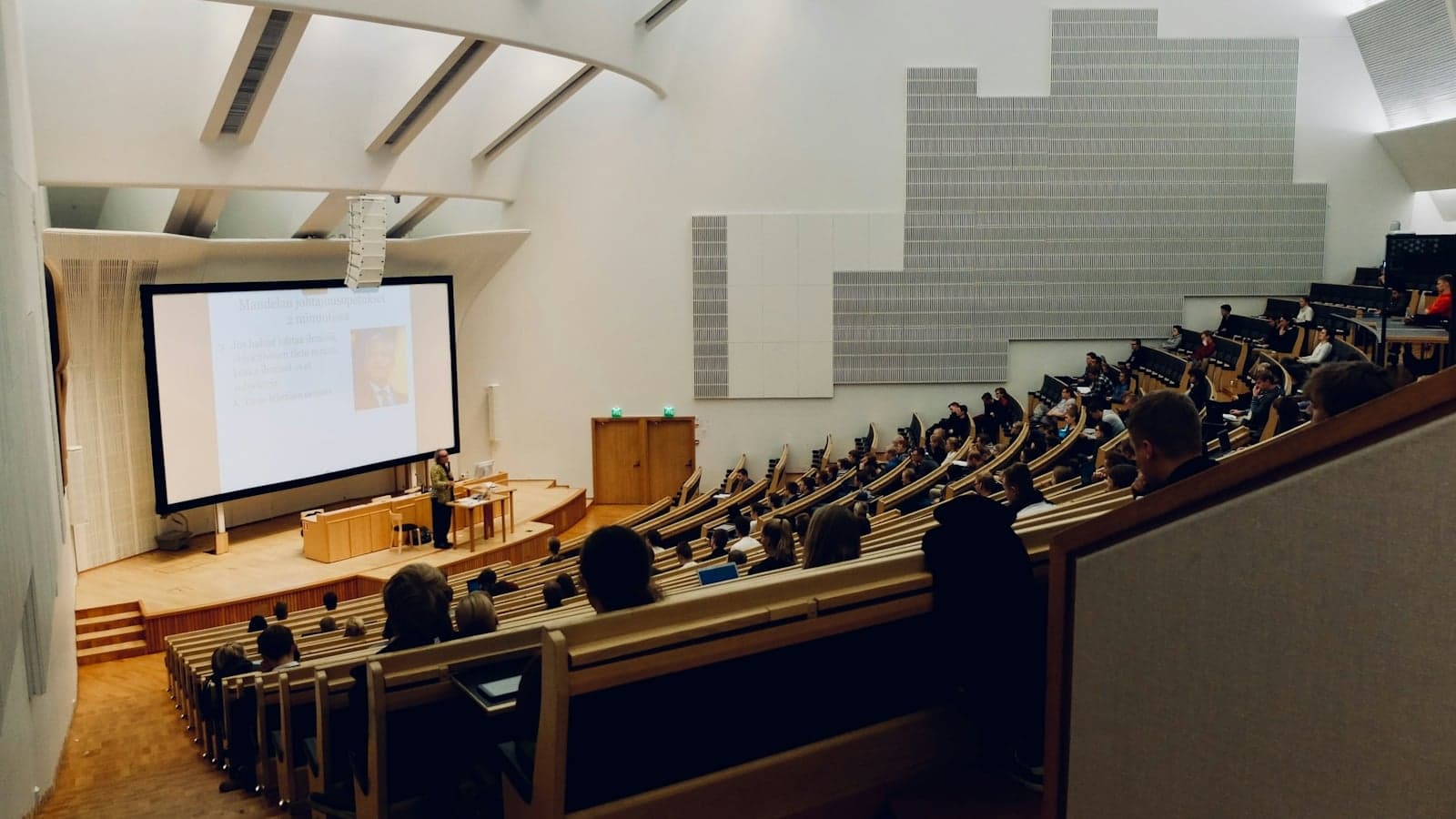
Choose a lecture recording app by the sound you need to capture, the length of the class and what you want back. A phone recorder can be enough for replaying audio. A transcription tool helps you find spoken passages. If you want structured notes and flashcards for revision, test those outputs as well as the transcript. No single choice fits every course or recording setup.
This comparison was reviewed against vendor documentation on 11 October 2026. Prices below retain the displayed currency; taxes, region, promotions and checkout terms can differ. Six options are compared: five services and a phone recorder. This is a documentation-based comparison, not a measured accuracy or reliability test.
We publish Notibo, one of the services compared here. The recommendations depend on the recording task and documented limits, not an independent product ranking.
Where should you start?
| What you need today | First thing to check |
|---|---|
| Record an in-person class | A short microphone test from the seat you will use, with permission |
| Capture a class through headphones | Direct tab or system audio, rather than a microphone-only recorder |
| Transcribe a recording you already have | Permission to upload it, the file limit and the remaining minutes |
| Revise from the result | Whether the notes preserve the explanation and the flashcards have correct answers |
For the headphone setup, follow the online lecture recording steps before committing a whole class to the recorder. For a US course with a separate practice section, our lecture and recitation note guide shows how the recording fits alongside your own working.
What should a lecture recording app do?
Start with the length and format of your class, the permitted recording method and the output you need. A recorder for replaying a seminar and a tool for generating revision questions solve different problems.
Does it transcribe your language?
Check the language for the feature you will use: transcription, summaries and translation can have different lists. Errors in the transcript can affect later notes or cards. A headline count is a starting point; find your language and test a permitted sample with the subject terms you actually use.
Can one recording hold one lecture?
Check your timetable rather than assuming a standard lecture length. Both the per-session cap and monthly allowance matter: 1,200 minutes is 20 hours, or ten two-hour sessions, if you use none of the allowance elsewhere. Imports may have a separate count limit as well.
Does it give you notes, or only text?
A transcript helps you inspect wording; notes organise an explanation; questions let you practise retrieving it. All can be useful. The distinction is explained in transcription versus notes. Generated notes and cards still need checking against the source and your assessment requirements.
Does the vendor say where the audio goes?
Ask where the recording is stored, where transcription and note generation happen, how long each copy is retained and which settings affect sharing. A provider's headquarters does not identify every processing location. Contractual safeguards also do not replace permission to record or an appropriate basis for processing personal data.
How do the six options compare?
The table gives the documented options and displayed offers checked for this review. A missing published limit means you should confirm it for your account, not assume there is no limit.
| Tool | Languages | Cap per recording | Free tier | Paid plan | What comes back | Where the data goes |
|---|---|---|---|---|---|---|
| Notibo | 78, Danish included | 2 hours; 30 min on the free plan | 14-day Pro trial, no card; then 30 minutes a month | 9.99 EUR a month or 88.99 EUR a year, 1,200 minutes a month | Transcript, notes, flashcards with spaced repetition | Stored in the EU; transcription and notes by US processors under standard contractual clauses |
| Otter.ai | 6, no Danish | 30 min free, 90 min Pro, 4 hours Business | 300 minutes a month, 3 file imports in all | Pro 16.99 USD a month, or 8.33 USD a month billed yearly, 1,200 minutes | Transcript, summary with action items | AWS, a US company; standard contractual clauses |
| Notta | Up to 58, Danish included | Free: first 3 min of transcript accessible; paid general cap 5 h, screen recording 2 h | 120 transcription minutes a month, restricted access | Pro 8.17 USD a month billed yearly, 1,800 minutes | Transcript and AI summary | Documented Tokyo storage on AWS |
| Turbo AI | Not published | Not published | Notes, flashcards and quizzes; limits not published | 20 USD a month or 120 USD a year, stated on its blog | Notes, flashcards, quizzes | United States, external AI providers |
| Coconote | 100+, list in its help centre | Not published | Free to start; limits not published | 59 USD a year in its sign-up flow; 258 USD a year on its gift page (129 on sale) | Notes, transcript, flashcards, quizzes | United States, standard contractual clauses where required |
| Phone recorder | Depends on phone and feature | Check device, storage and app | Built-in recording without a separate app subscription | Existing device required | Audio; supported devices also offer transcripts or summaries | Depends on local processing, backup and cloud features |
How many lectures does each plan hold?
Caps and allowances are easier to judge as lectures than as minutes. This table does the arithmetic for a course with lectures of two hours, from the numbers on the vendors' pages and nothing else.
| Plan | One lecture of two hours | Lectures of two hours a month |
|---|---|---|
| Otter Basic, free | Four recordings of 30 minutes | 2.5 |
| Otter Pro | Two recordings, split at 90 minutes | 10 |
| Otter Business | One recording | Unlimited live/in-app transcription; imported files have a 6,000-minute monthly cap |
| Notta Free | Not a complete accessible two-hour transcript | 120-minute quota does not remove the 3-minute transcript-access restriction |
| Notta Pro | Fits the listed 2-hour screen-recording or 5-hour general cap | 15, if the full 1,800-minute allowance is available |
| Notibo, 14-day Pro trial | One recording | 2 within the 14 days |
| Notibo free plan | Does not fit; 30 minutes a month in all | A quarter of one |
| Notibo Pro | One recording | 10 |
| Turbo AI and Coconote | Not published | Not published |
Fractional lecture totals describe minutes, not complete usable recordings. Allow time to manage a planned split, check whether the lecture includes a break and avoid assuming that two files will be joined automatically. A small recurring allowance can still be useful for selected sessions.
Is Otter.ai good for lectures?
Otter is worth considering when transcript search, replay and summaries fit your lecture workflow. Otter's pricing page lists AI transcription in six languages: English, Spanish, French, German, Japanese and Chinese. Danish is not one of them, and neither is any other Nordic language.
The caps are the second problem. The free Basic plan gives 300 minutes a month, stops one conversation at 30 minutes, and allows three imports of audio or video files for the life of the account. Record on a phone and upload afterwards, and the three imports are used up after three lectures. Pro costs 16.99 USD a month, or 8.33 USD a month billed yearly, and raises the limits to 1,200 minutes, 90 minutes per conversation and ten imports a month. Business, at 30 USD a month or 19.99 USD billed yearly, is the first plan that allows four hours in one go.
There is a student discount of 20 per cent on Pro: 13.59 USD a month, or 6.67 USD a month billed as 79.99 USD a year. The condition on the page is an email address ending in .edu. Addresses at universities in Britain, Ireland, Denmark or Australia end in .ac.uk, .ie, .dk or .edu.au. The page does not say whether those count, so ask Otter's support before you pay.
What comes back is a transcript and an automatic summary with action items and an outline, written for meetings. The listed feature set does not include generated study flashcards. On data Otter is clear: its privacy policy names Amazon Web Services, based in the United States, for compute and storage, and standard contractual clauses for transfers out of the EEA and the UK. If you already pay for Otter and want to move, Otter.ai alternatives goes through the options.
Is Notta good for lectures?
Notta may suit students who primarily need transcription and summaries, especially in a language outside Otter's list. Notta says it supports up to 58 transcription languages, and Danish is one of them.
Notta's pricing page lists 120 minutes per month on Free and 1,800 on Pro, with Pro displayed at 8.17 USD per month billed annually. Its three-minute Free restriction concerns accessible transcription, not a universal recording stop. The screen-recording help article allows 30 minutes on Free but exposes only the first three minutes of transcript; paid screen recordings stop at two hours. The general paid transcription cap is five hours, so check the capture mode.
Two details are easy to miss. The same page says that your transcripts are kept if you cancel a paid plan, but that a free user can only see the first three minutes of each. Export what you need before you downgrade. And what comes back is a transcript and an AI summary. The compared plan documentation lists summaries rather than a study-card workflow.
Notta's security page says all its software is hosted on Amazon Web Services and that it complies with the GDPR. The region is in its help centre: the data is stored in a data centre in Tokyo. Notta alternatives sets it against the other transcription tools.
What does Turbo AI offer?
Turbo AI, formerly TurboLearn, is a study app, not a meeting tool. It listens to a lecture and writes notes, takes PDFs, videos and recordings you upload, and makes flashcards and quizzes from them. Its site says the free tier includes notes, flashcards and quizzes, and that it works on the web, on tablets and on phones. Check whether the generated questions are relevant to your course before processing a full term.
Turbo AI's own blog post of 9 July 2026, still available at this review, quotes 20 USD monthly or 120 USD yearly. The public pages checked did not establish a complete set of free-use or per-recording limits. Confirm those in the account offer before relying on a long class fitting.
The privacy policy says personal information may be transferred to, stored in and processed in the United States. It says Turbo AI runs no AI models of its own and uses external providers, currently OpenAI, Grok, Anthropic and Modal Labs, to process content. It lists the training of AI tools among the purposes personal information is used for, and it does not mention the GDPR.
What does Coconote offer?
Coconote has the same shape. You record or upload a lecture, PDF, document, video or link and get notes, a transcript, flashcards, quizzes and study games back. It runs on iPhone, iPad, Android and the web, and its desktop page offers apps for Mac and Windows. The front page says 100+ languages, and the list is in its help centre, with Danish on it.
Coconote's public offers show different prices, so use the offer attached to your own purchase. Its gift page prints a year of the Coconote Pass at 258 USD, on sale at 129. A page in its sign-up flow showed three free days and then 59 USD a year on 11 October 2026. The help centre says weekly and monthly passes exist as well, without amounts. The front page says you can use Coconote for free to get started, but the free limits and the longest recording are not stated on the site.
One answer in the help centre is worth reading before an exam term. If a recording was cut short, it says, nothing can be done, and it suggests recording with Apple's Voice Memos and uploading the file. The privacy policy says Coconote operates in the United States and transfers personal information there from the EEA, the UK and Switzerland, with standard contractual clauses where they are legally required.
Is the phone's own voice recorder enough?
It may be enough if you mainly want audio to replay. A built-in recorder requires no separate recording subscription, but check cloud synchronisation, available storage and the actual microphone result. Google's page on recording puts the longest single recording on a Pixel at 18 hours. Apple's guide states no limit.
The limits show up the moment you want text. Apple's iPhone guide says audio transcription in Notes works on an iPhone 12 or later when the device language is English, Spanish, Portuguese, Italian, French, German, Japanese, Korean, Simplified Chinese or Traditional Chinese. Danish is not among them, so that particular transcription feature does not cover Danish. Other apps and features have different language lists.
On a Pixel, Google's help page for Recorder lists the languages it transcribes while you record: English, French, German, Hindi, Italian, Japanese, Mandarin and Spanish on a Pixel 6 or later. Google says the audio is transcribed by a service on the device and discarded afterwards. Danish is only on the longer list for transcribing a finished recording again, and the page says that step may process the audio on Google's servers.
Some supported phones also generate summaries. Apple's guide says a recording can be summarised when Apple Intelligence is turned on. A Pixel 8 or later can summarise a transcript in seven languages, for recordings of five minutes to one hour of speech, which is shorter than a two hour lecture, and the page says the summary runs in Google's cloud. Keep a few topic timestamps if you plan to revisit selected passages rather than replay the whole class.
Which app should you choose?
Pick by what you will do after the lecture, not by the length of the feature list.
- If you only want a backup, try the built-in recorder and check that you can replay, locate and export the audio you need.
- If your lectures are in English and you already pay for Otter, Pro will do for lectures under 90 minutes. Longer ones need Business or a break in the middle.
- If you need long recordings as text and nothing more, check Notta Pro's language support and the limit for your recording mode. Its general five-hour cap does not apply to the two-hour screen recorder.
- If you study on your phone and want notes and flashcards, compare Turbo AI, Coconote and Notibo's mobile browser workflow. Test recording behaviour and check the price and limits in your account.
- If you want the whole chain with a published price list and storage in the EU, Notibo is an option, with US processing and the limitations described below.
How do you test an app on one lecture?
Use two stages. A short setup check prevents a full lecture being recorded from the wrong source. A later full-length test checks whether the plan and workflow fit your class.
- Record a minute of permitted material using the exact microphone or tab setup you intend to use. Check that the lecturer's words appear, not only your own voice.
- Compare an explanation and a subject term with the original. Check whether the notes preserve the meaning, including conditions and numbers.
- Read the plan's per-recording limit and remaining allowance. Once the setup works, test a full lecture that fits those limits.
- Check the beginning, middle and end of that result. A successful one-minute test does not establish that a two-hour recording will fit your plan.
- Confirm the current price, first-payment date and cancellation route before choosing a paid subscription.
What should you ask before you press record?
Check the course's permission to record and to use an external processing tool. Keep and share the result only as that permission allows, including any deletion condition. What universities put in writing is collected in lecture recording policies; your own institution and course instructions remain the relevant starting point.
For US college situations, start with the constraint: Voice Memos or Notibo for community-college classes compares a phone recording with a study workflow; Pixel Recorder or Notibo when campus Wi-Fi drops separates capture from processing. If you are reviewing an existing support arrangement, see Genio or Notibo for campus note-taking support.
Where Notibo fits
Notibo is built around the whole chain: record, transcribe, notes, flashcards, spaced repetition. It runs in a browser on a computer or phone, and can be installed as a web app. On a phone, microphone recording needs the page kept open and the screen unlocked. It records a lecture from the microphone, or takes an audio file you upload, and returns a transcript and structured notes with a summary, main points and action items. It transcribes 78 languages, Danish and English among them, and the transcript is in the language that was spoken.
One recording can run up to two hours. Long recordings are saved in smaller pieces as they run and joined afterwards, so a lecture of two hours comes back as one transcript. Uploads can be MP3, M4A, WAV and seven other formats, up to 50 MB per file, which is where a recording from your phone comes in. For an online lecture, Chrome or Edge on a computer can take the sound of a browser tab. No bot joins a call.
Flashcards from a recording and spaced repetition belong to Pro, and they work during the trial. The transcript and the notes can be corrected and exported as PDF or Word; the flashcards cannot be edited. The audio is deleted from storage as soon as the transcript and notes are saved, so you cannot listen to the lecture again in Notibo. Keep your own copy if you want the sound.
Pro is free for 14 days with 240 minutes of recording, and no card is asked for. After that the account keeps 30 minutes a month for free. Pro is 9.99 EUR a month or 88.99 EUR a year with 1,200 minutes a month, and the plans are on the pricing page. Files are stored in the EU, on Supabase in Frankfurt. Transcription and the AI notes run on US processors under standard contractual clauses, so Notibo is not the choice if no part of a recording may leave the EU.
Notibo is not a permanent audio archive or a substitute for checking the explanation. Its mobile recorder uses the microphone; direct tab audio is a computer-browser workflow. Choose another tool if replaying the retained audio inside the same app is essential.