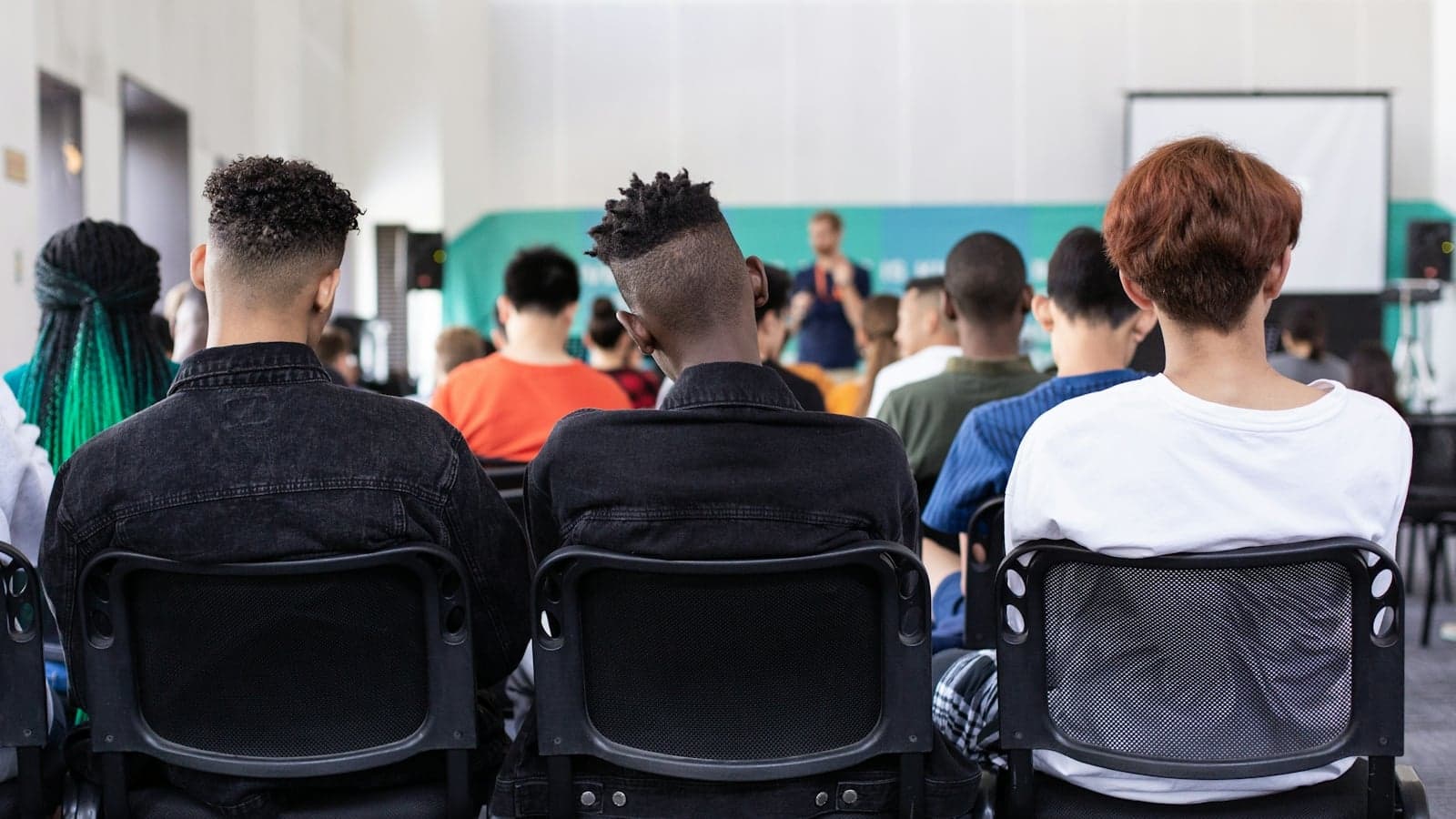
First confirm that your course is recorded, that the recording is published to you and how long access lasts. Those are three different questions. Canadian universities use several systems and policies, sometimes within the same institution. There is no single national opt-in or retention rule.
This guide helps you locate a recording, diagnose a missing one and turn available material into useful notes. For making your own recording, use the separate guide to recording lectures in Canada.
Where should you look for recordings?
Start inside the course's learning platform, using the link identified by the instructor. These are examples of current institutional services, not a guarantee that every course uses them:
| University | Service or integration | Starting point |
|---|---|---|
| UBC | Approved university instances include Zoom, Kaltura and Panopto | The course's Canvas instructions |
| Toronto, participating divisions | Opencast Content Capture System, or OCCS | OCCS Student in Quercus, once material is published |
| Toronto Scarborough | AuRA scheduled classroom capture | The Quercus course |
| McGill | Lecture Recording System, or LRS, in equipped rooms | Lecture Recordings in myCourses |
| Queen's | Podium capture; Panopto can host course videos | The course's onQ instructions |
| McMaster | Echo360 and the separate MacVideo hosting service | Links supplied through the course, including Avenue to Learn |
| Calgary | YuJa | D2L course or the provided YuJa link |
| Alberta | YuJa | The Canvas course link or video channel |
| Concordia | YuJa | The Moodle activity or link supplied by the instructor |
The sources describe different parts of the process. Toronto's Opencast guide separates an instructor interface for editing and publication from the student interface. Alberta's YuJa overview explains course channels and controlled playback and downloads. Calgary supports YuJa both within D2L and as a standalone tool, while Concordia provides Moodle integration.
At McMaster, Echo360 is integrated with Avenue to Learn. MacVideo is a hosting and delivery service, expressly not an archive. The existence of any of these services does not establish that your next class will be recorded.
Does recording start automatically?
It depends on the configured service. UTSC's AuRA requires instructor registration before the semester, then starts and stops against a schedule. Its service page says recordings appear in Quercus within three hours after class. If a particular recording is missing, ask about it rather than treating the normal publication interval as proof it was never captured.
McGill's LRS guide describes a different arrangement: automatic recording during the first four weeks in equipped classrooms. Without an LRS sign-up request, those recordings are deleted after that period and automatic recording stops. The instructor also selects publication, privacy and download settings. A notification therefore does not necessarily establish lasting student access.
At Queen's, the podium system is controlled by the instructor and saves to a USB device. Its room guidance covers centrally timetabled spaces above 60 seats, excluding designated Active Learning Classrooms. That describes the specified hardware, not every possible way of recording a class.
What to do when a lecture is missing
Check the course announcement or recording notice before assuming a technical fault. Then send a precise request: course code, session date and time, expected platform, and what you can see. A missing item could reflect publication settings, a changed room, an upload problem, restricted access or a decision not to record part of the discussion.
For example: “The recording for Tuesday's class is not in the course folder, although Monday's is visible. Was Tuesday recorded, and is there another resource for the worked example on slide 14?” This is an illustrative message, not a claim that recordings are always provided on request.
Where the problem concerns disability-related access, contact the appropriate accessibility service as well as the course team. Queen's Rehabilitation Therapy policy explicitly allows restricted access; making a recording does not necessarily mean releasing it to everyone. If there is no recording, ask what notes, slides, office-hour discussion or other permitted material can address the gap.
Retention is not the same as your access window
A university may retain a file without keeping the same student link available. Conversely, an instructor may move permitted course content to another approved location. Confirm access for deferred assessments before the ordinary course window closes.
| Source | What it actually says |
|---|---|
| Toronto Opencast | Recordings remain on the OCCS server for at most one academic term; deletion follows at the start of the next term, with an instructor reminder |
| Jackman Law JD and graduate recording pages | Three weeks after the recorded class, without retention beyond that period |
| Queen's classroom-capture guide | A sample course notice uses term-end deletion; students should ask their instructor about the actual removal date |
| Calgary recording guidance | A sample course-outline statement says recordings are normally deleted at term end |
| University of Ottawa | Lesson-capture guidance recommends retention for one year from the official final grade; this is not an unconditional personal access guarantee |
Both the current JD handbook and graduate recording policy support the three-week Jackman Law entry. Calgary labels its wording as a sample statement, while Ottawa's guidance distinguishes lesson capture from assessment recording.
Keep your own permitted notes current. Do not plan revision around a link remaining available indefinitely or copy a restricted file simply because it may expire.
Viewing, downloading and AI processing are separate permissions
A platform's download control is only part of the answer. You also need to follow the course terms and the applicable rights and privacy requirements.
Concordia's recording policy limits authorized recordings to personal or group study and restricts reproduction and public sharing. Jackman Law releases recordings subject to an undertaking against reproduction or distribution. Neither should be reduced to a general claim that every Canadian recording may only be watched or that every form of sharing is automatically permitted within a study group.
UBC's student guidance specifically says to check before uploading a classroom recording to an AI tool, even if recording itself was permitted. An approved accommodation can change recording permissions but does not necessarily authorize any external processor.
UBC's classroom-recording principles and student advice phrase default permissions differently. Follow the syllabus and obtain clarification rather than using silence as a blanket authorization. If permission covers viewing only, work within the university player and keep your own notes there or in a permitted format.
Check what the recording leaves out
A recording may contain slides, a document-camera feed, the instructor's voice, room audio or video, depending on the setup. UTSC AuRA includes a tracking camera and a separate projected-content stream; Queen's podium system describes screen content and room microphones. Neither represents every Canadian classroom.
During review, look for a missing step rather than assuming the file is complete. Was an equation written on an unrecorded board? Did a student's question go unheard? Did a sensitive discussion pause the recording? Mark the gap and ask about it. Tutorials or breakout activities may need a different note-taking approach.
If you are concerned about appearing in a recording, ask the instructor about the available alternatives. Waterloo's privacy guidance discusses alternatives for students disadvantaged by recording, including limiting what is captured. Do not assume that moving seats alone guarantees your voice will be excluded.
Make one recording useful before opening the next
Memorial's study guidance recommends preparation, note-taking with timestamps, follow-up questions and later review. Guelph likewise encourages taking notes while viewing and concentrating on important ideas rather than every spoken detail.
Apply that to one question:
- Write what you need to explain or solve before pressing play.
- Watch enough context to follow the reasoning, noting the location of any unclear step.
- Pause and attempt the explanation or calculation yourself.
- Compare with the source, recording the correction and any remaining question.
- Close the player and check whether you can now complete the task without following along.
Searchable captions can help locate a term, where available. Check spelling, numbers and technical language against the original material; an automatic transcript is not a verified set of course notes. For a longer routine, see studying from recorded lectures.
When Notibo is a useful next step
If external processing is permitted, Notibo can turn uploaded audio or a recording into a transcript and draft notes. It accepts PDF, PPTX and DOCX documents too. Pro includes flashcards from recordings and spaced repetition. Review the output before using it, especially where the explanation depends on a diagram that audio does not contain.
Recordings have a two-hour limit, and successfully processed audio is deleted; Notibo is not a replacement for the university video player or an archive. Transcription supports 78 languages and follows the spoken language. The 14-day Pro trial includes 240 recording minutes with no card required. If classroom material cannot be uploaded, a recording of your own original revision explanation is one way to test whether the transcript and notes help you spot a gap.