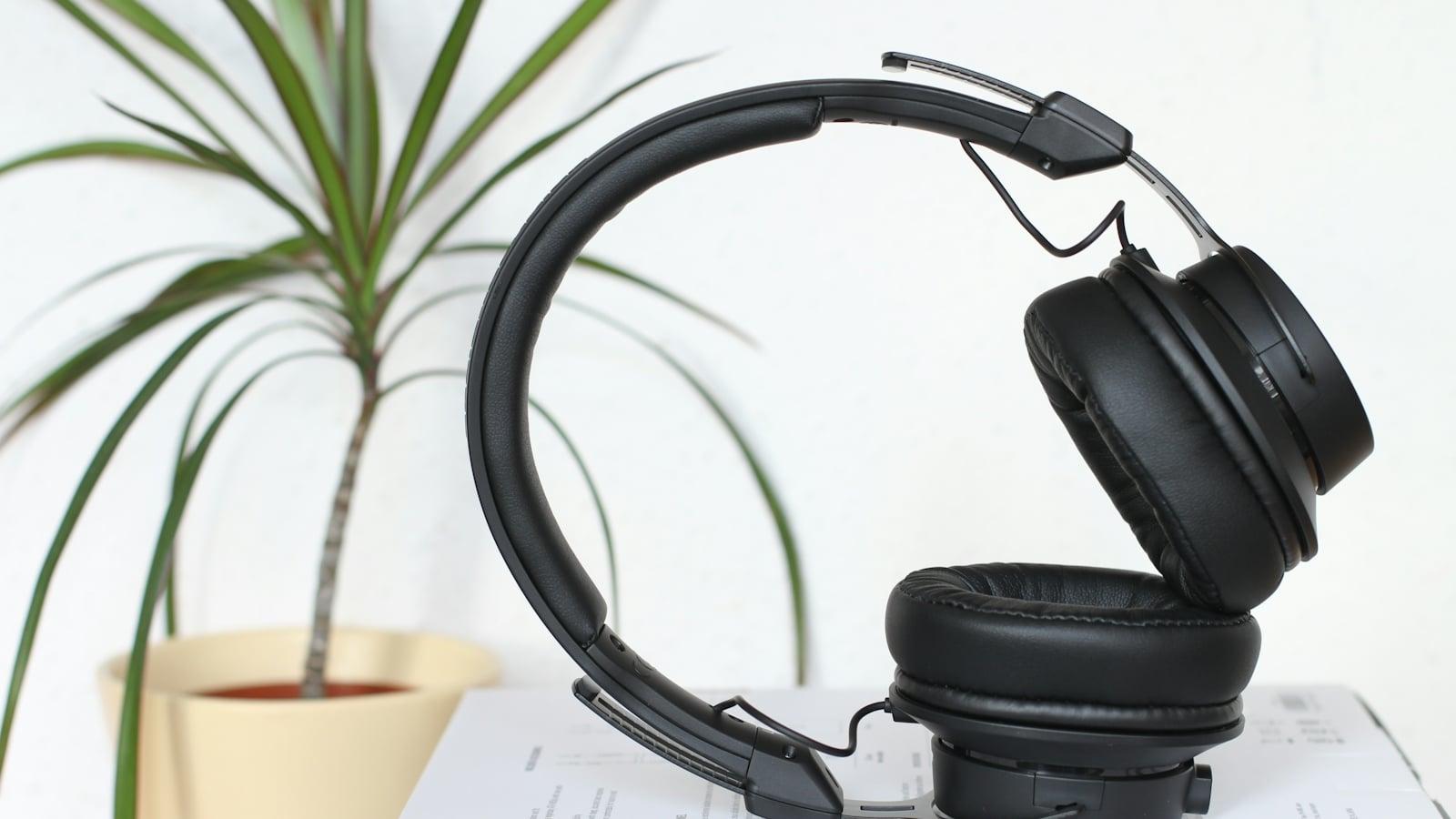
Short answer first: most dyslexic students should start with the free reader already on their device. On iPhone, Speak Screen reads the whole screen when you swipe down with two fingers, and Microsoft Edge's Read aloud reads web pages and PDFs. If you need more, Speechify Premium costs 29 US dollars a month or 139 a year, NaturalReader starts at 13.90 a month or 79 a year, and Read&Write's individual licence is 184 a year. Notibo's Listen reads only your own Notibo notes, so it is not a general reader.
This article is for students who listen better than they read, and who want articles, PDFs and course texts read to them. It compares what each reader can open, where it runs and what it costs, from each vendor's own page on 24 November 2026. It says plainly where Notibo stops. If you want books, PDFs, mail or web pages read aloud, choose another tool, because Notibo does not read them.
What should a text-to-speech app do for a dyslexic student?
Text to speech, often shortened to TTS, turns written text into a spoken voice. For a dyslexic reader it can take over the decoding, so that your attention goes to the meaning. Readers differ in three ways that matter for study: what they can open, how well you can follow along, and whether you can keep using them across all your devices.
Can it open what your course gives you?
University reading comes as PDFs, web pages, Word files, slides and sometimes scanned book chapters. A scan is a picture of a page, and a reader needs OCR, text recognition, before it can read a scan aloud. Check the format first. A reader that cannot open your course PDFs will not help, whatever its voices sound like.
Can you follow the words while you listen?
Most readers highlight the word or the sentence as it is spoken, and let you change the speed. Many students like this. The evidence for highlighting itself is weaker than the evidence for listening, as the research section shows, so treat it as a comfort, not a must.
Does it come with your device or your university?
Phones and browsers include readers for free, and some universities license a paid reader for all students. Your disability service or IT help desk can tell you whether yours does. Ask before you pay.
How do the text-to-speech apps compare?
| Tool | What it reads | Runs on | Free option | Paid price (US list) |
|---|---|---|---|---|
| Speak Screen (Apple) | Text on the iPhone screen, or text you select | iPhone and iPad | Yes, built in | None |
| Edge Read aloud | Web pages and PDFs opened in Edge | Edge on Windows 10 and 11 | Yes, built in | None |
| Speechify | Web pages, PDFs, Google Docs, emails; scans on Premium | iPhone, iPad, Android, Chrome, Edge, web, Mac, Windows | 10 voices, up to 1.5x | US$29/month or US$139/year |
| NaturalReader | PDFs, Word, ePub, web pages, camera scans | Web app, iOS and Android apps, Chrome extension | Free plan | From US$13.90/month or US$79/year |
| Read&Write | Google Docs, Word, PDFs, web pages | Windows, Mac, Chromebook, iPad, iPhone, Android | Premium free for K-12 teachers; free version not described | US$184/year (individual) |
| Notibo Listen | Only your own Notibo notes, quiz and flashcards | Browser on computer or phone | Try once | Part of Pro, €14.99/month |
The first column is the one to read carefully. Five of these tools read material from outside, such as a journal article or a chapter. The last one reads only what Notibo wrote for you from a lecture or a document.
Speak Screen and Edge Read aloud: are the free readers enough?
Often, yes. Both are free, both run on hardware most students already own, and both read the material you are actually given.
- Speak Screen reads whatever is on the iPhone screen. Apple's guide to hearing iPhone speak the screen says you turn it on under Settings, Accessibility, Read & Speak, then swipe down with two fingers from the top of the screen. Speak Selection reads only text you select.
- You can set the voice, speed and highlighting. The same guide lets you pick a voice and dialect, drag a slider for the speaking rate, and choose the style and colour of the highlight on spoken text. Detect Languages lets the phone switch voice when the language changes.
- Edge reads PDFs as well as web pages. Microsoft's Edge Learning Center page on eReading says Read aloud can turn a book, an article or a PDF into audio, with a choice of voices and a speed control.
- Edge has a reading view for web pages. Microsoft's support page on reading mode in Edge says F9 opens reading mode, where Read aloud, text size, page themes and translation into more than 70 languages sit on one toolbar. The Learning Center page adds that Immersive Reader can highlight one, three or five lines at a time.
What it means for you: if your reading comes as PDFs and web pages and you work on a Windows laptop, Edge covers most of it for free. On an iPhone, Speak Screen reads the text on the screen in the apps you already use. Try both for a week of real course reading before you pay for anything.
Speechify: what does the subscription add?
Speechify is a paid reader with apps on almost every platform. The Speechify pricing page lists two plans, and it showed the same dollar prices from Denmark as in the US edition.
- The free plan is basic. It gives text to speech only, 10 voices that Speechify itself calls "robotic sounding", and speeds up to 1.5x.
- Premium costs 29 US dollars a month or 139 a year. It adds 400+ voices in 60+ languages, speeds up to 5x, Scan & Listen, AI summaries and chat, and links to Google Drive, Dropbox and OneDrive.
- It reads the common formats. The page's FAQ says it reads web pages, PDFs, Google Docs and more, and mentions emails and documents.
- It runs nearly everywhere. The site lists apps for iPhone and iPad, Android, Chrome, Edge, the web, Mac and Windows.
The yearly price is far below twelve months of the monthly one. If you know you will use a reader every day for a whole year, the yearly plan is the one to compare with the others.
NaturalReader: is the cheaper paid reader good enough?
NaturalReader covers similar ground at a lower price. Its home page says it reads PDFs, Word documents, ePub, web pages and more, scans physical books with the phone camera, and offers a "Free forever plan" with no card. It says its voices speak over 90 languages. The home page does not spell out the free plan's limits.
- Three paid plans in US dollars. NaturalReader's help page on plans and pricing lists Lite at 13.90 a month or 79 a year, Plus at 20.90 or 119, and Pro at 25.90 or 159.
- Lite already covers study use. Lite gives unlimited listening with Lite voices and OCR for scans. Plus and Pro add their own Plus and Pro voices, voice cloning and voice design.
- The same apps on every plan. All personal plans include the web app, the mobile app and the Chrome extension, the page says.
For a student who mainly needs scans and PDFs read aloud, Lite at 79 US dollars a year is the lowest yearly price of the three paid readers here.
Read&Write: why do universities buy it?
Read&Write is sold by Everway, and the old texthelp.com product address now forwards to everway.com. Everway's product page describes a toolbar with text to speech, a picture dictionary, Talk&Type for dictation, word prediction and an AI simplify tool, working in Google Docs, Word, PDFs and web pages.
- It is sold mostly to institutions. Everway's Read&Write pricing page prices higher education by student enrolment and asks universities to contact sales.
- An individual licence costs 184 US dollars a year. The page says all plans are in US dollars, billed annually, with a minimum term of one year.
- It runs on all the main platforms. The pricing page lists Windows, Mac, Chrome, Edge, iOS and Android.
- Teachers get premium free, students do not. The free premium subscription is for K-12 teachers. The page's FAQ mentions a free version but does not say what it includes.
The point for you: Read&Write is a strong case for asking your university first. If it holds a licence, you may already have the full toolbar for nothing.
Which readers can handle a scanned chapter?
Course packs and library chapters often arrive as scans: a photo of each page saved as a PDF. To the computer that is an image, not text, so a reader has nothing to read until text recognition turns the picture into words. This is where the free and paid readers part ways most clearly.
- NaturalReader includes OCR on every paid plan. Its pricing help page lists OCR for Lite, Plus and Pro, and the home page describes a camera scanner for physical books and documents.
- Speechify puts scanning in Premium. The pricing page lists Scan & Listen among the Premium features, not on the free plan. It does not describe how the scan works.
- Read&Write has its own tool for it. Everway's product page says Screenshot Reader reads text from images, scanned PDFs and inaccessible documents. It adds that OrbitNote, a separate PDF tool, can run OCR on PDFs and read them aloud. The pricing page does not say whether the individual licence includes OrbitNote.
- The free readers do not promise it. Apple's Speak Screen guide links to Magnifier for reading printed text around you, but neither that guide nor Microsoft's Edge pages say they read a scanned PDF. Test a scan before you count on them.
If most of your reading list is scanned, this row matters more than voices or price. Take one scanned chapter from your course and open it in each candidate before you choose.
What does research say about text to speech and dyslexia?
Two studies are useful here. Neither abstract describes university students, and one was with children.
- Read-aloud tools helped comprehension on average. Wood and colleagues (2018) pooled studies of text to speech and related read-aloud tools for students with reading disabilities. The average weighted effect on reading comprehension was 0.35, with a 95 per cent confidence interval of 0.14 to 0.56. The authors say this suggests the tools may help, and that more studies are needed.
- Listening helped, highlighting did not add to it. Keelor and colleagues (2023) tested children aged 8 to 12 with reading and language difficulties. Text to speech raised comprehension scores compared with silent reading. Text to speech with and without highlighting scored the same. Children with dyslexia alone gained more than those who also had a language impairment.
For a university student, that points to a modest gain from listening, and to choosing a reader by what it can open, not by its highlighting. Neither study looked at university students, so take it as a pointer, not proof.
Which text-to-speech app should you choose?
If you want books, PDFs, mail or web pages read aloud, choose one of the readers below, not Notibo. Notibo only reads the notes, quiz and cards it made for you.
If you read on an iPhone, turn on Speak Screen and Speak Selection first. They cost nothing and read the text on your screen.
If your course reading is PDFs and web pages on a Windows laptop, use Read aloud in Edge. It reads both, with a choice of voices.
If your university licenses Read&Write, use it. Ask the disability service or IT help desk before you pay 184 US dollars a year.
If you want one paid reader on every device, compare Speechify Premium at 139 US dollars a year with NaturalReader Lite at 79. Both read PDFs and scans; Speechify has more platforms, NaturalReader the lower price.
If you want to hear the notes from your own lectures, that is a different job from reading a book, and the last section covers it.
Use the free trial or free plan on one real week of course reading before you pay for a year.
Where Notibo fits
Be clear about what Notibo is before you compare it. It is a study tool. It is not an approved assistive technology, and it is not a screen reader. Its Listen feature reads only your own notes, and quiz questions and flashcards have a Read aloud button. It does not read books, PDFs outside Notibo, mail or web pages. If you want a general text-to-speech app, choose one of the readers above.
What Listen does is narrower. You record a lecture you are allowed to record, or upload a recording, and Notibo writes a transcript and notes for you. A document you upload becomes notes too. Press Listen, and an AI voice from Google reads those notes with the words lighting up. There are four voices, a speed control, and you can tap a sentence to hear from there. Reading works in 13 languages, among them English, German, French, Spanish, Dutch and Polish. In your notes, quiz and flashcards Notibo does not read aloud by itself: "Read aloud automatically" is off by default for everyone, and you turn it on in Settings. The Notibo for dyslexia page sums up the reading and writing help.
Listen to whole notes is part of Pro; the free plan lets you try it once. Your first recording is free with everything, including quiz and flashcards. After it, you keep a free plan with 120 recording minutes a month and notes from five documents a month. Pro is priced at 14.99 euro a month or 88.99 euro a year. The yearly plan comes with 7 free days, and you can cancel before you pay. For speaking instead of typing, see the dictation comparison, and for capturing lectures, the note-taking comparison and the lecture recording page.